SillyTavern Not Working? Read the Error, Not the App (2026)
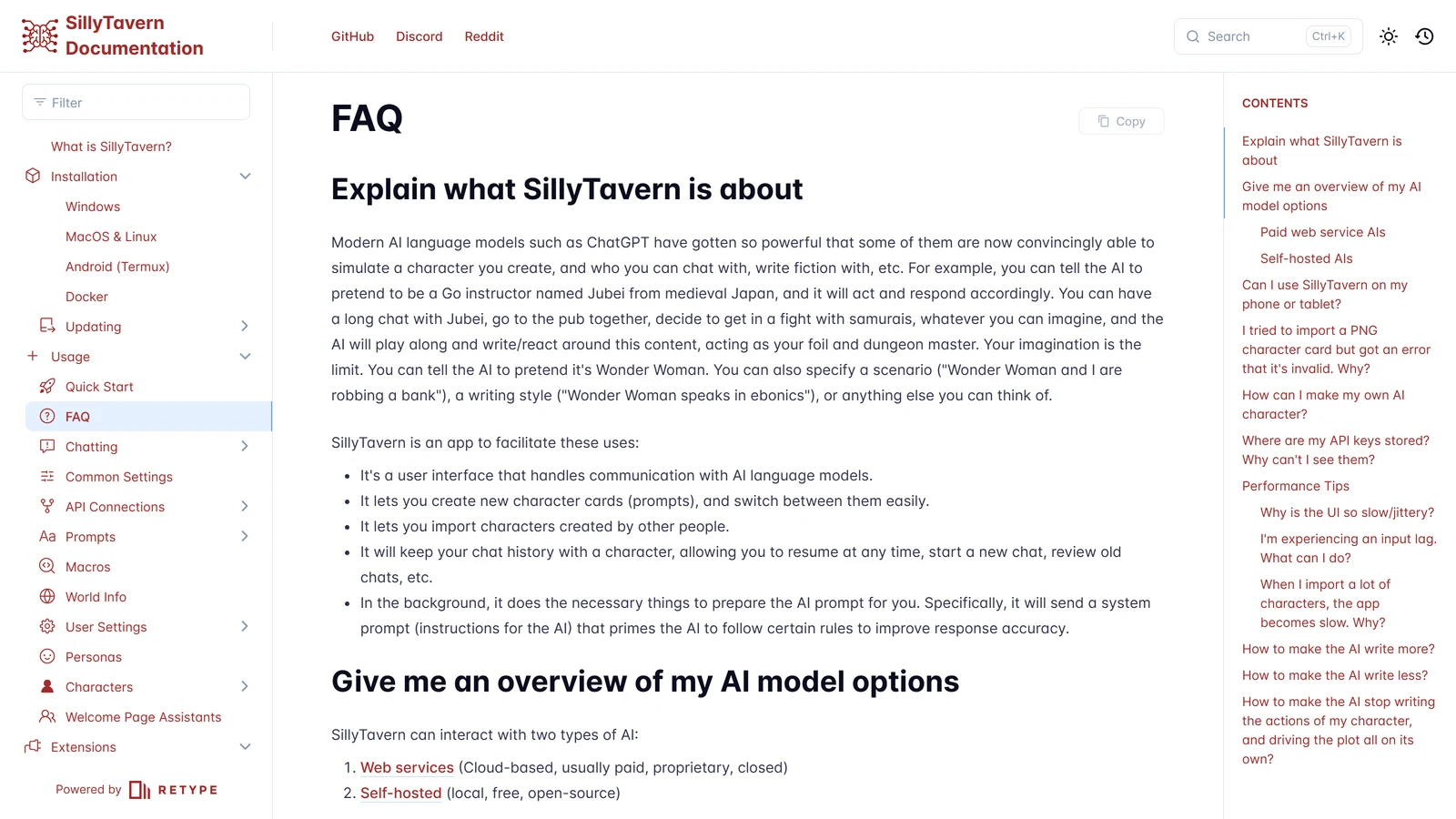
SillyTavern does not generate anything, which means almost every error it shows you is a message it is passing along from somewhere else. It is a front end: it assembles a prompt, hands it to a model somewhere, and renders whatever comes back. When something fails, the useful question is never “what is wrong with SillyTavern” — it is which of three different things is talking to you.
Your provider (OpenRouter, a cloud API, Horde), your local backend (KoboldCpp, Ollama, oobabooga), or your own machine (Node, the browser, the config file). Each produces a distinct class of failure with a distinct fix, and the error text almost always tells you which — once you know what to read.
There is also a fourth possibility that catches a surprising number of people, and it is worth checking before anything else: the symptom may already be fixed in a version you have not installed. SillyTavern ships releases every few weeks, and several of the most-searched complaints were resolved in the last two.
Everything below is checked against SillyTavern’s documentation and release notes on 16 September 2026, when the current release was 1.19.0 (14 September 2026).
Start Here: Which of the Three Is Talking?
Three checks, about a minute, and they narrow it before you change anything.
- Look at the terminal window, not the browser. SillyTavern prints its real state there — the address it is listening on, request failures, and streamed request errors. A browser showing nothing useful while the console shows a stack trace is the normal arrangement, not a second bug.
- Does the failure survive a different model or provider? Switch to another connection and retry. If a cloud provider fails and a local one works, you are looking at a provider problem and no amount of SillyTavern configuration will fix it.
- Does it survive a fresh browser with every extension disabled? SillyTavern’s own documentation is emphatic that browser extensions are the leading cause of one whole class of problems, and third-party SillyTavern extensions are the leading cause of another.
Update First: The Symptoms That Were Fixed, Not Solved
This is the cheapest fix on the page and the one nobody tries, because a version number does not feel like a cause. Several long-standing, widely-searched symptoms have a release attached to them:
| Symptom | What it actually was | Fixed in |
|---|---|---|
| An API error whose message is just “OK” | Provider errors returned with HTTP 200 were showing the HTTP status text instead of the actual error | 1.19.0 |
| Lorebook stopped firing after you renamed it | Renames left chat-bound lore pointing at the old name | 1.19.0 |
| Replies coming from the wrong model after switching connection profiles | Profile switching left the previous Chat Completion source active | 1.19.0 |
| Character expressions throwing errors | Missing default-expression labels | 1.19.0 |
| Token counts looking inflated | /tokens over-counted on OpenAI | 1.19.0 |
| Crashes when deleting a chat during a search | Chat deletion during search or recent-chat scanning | 1.19.0 |
Custom user.css disappeared after an update | Error pages and user.css moved from /public to /data | 1.18.0 |
npm install leaves a broken install | The post-install script was removed; config migration is now the app’s job or npm run init | 1.18.0 |
| Won’t start at all after updating | Node.js 20 or higher is required | 1.17.0 |
The first row deserves special attention, because “SillyTavern api returned an error OK” is one of the most baffling things the app has ever shown anyone: an error whose entire content is the word for success. It happened because some providers return a failure inside an HTTP 200 response, and SillyTavern was displaying the status line rather than the payload. As of 1.19.0 it shows the provider’s actual error instead. If you have been staring at that message, the fix is an update, and the reward is finally being told what went wrong.
How to update: pull the latest release and restart. If you installed with Git, that is git pull in the SillyTavern folder followed by your usual start script. Our installation guide covers updating in more detail, including what to do when local changes block the pull. If a fix is described as “in staging”, our release vs staging guide explains what that means and how to check your branch.
The Error Codes, Decoded
When the message contains a number, that number is an ordinary HTTP status code being handed over unchanged. They mean what they mean anywhere else on the web, and each points somewhere specific:
- 400 — Bad Request. Your side sent something the provider would not accept. In practice this is a setting rather than a typo: a sampler the model does not support, a parameter out of range, a context length above the model’s limit, or a prompt structure the endpoint rejects. Try a clean preset before you try anything else.
- 401 / 403 — Unauthorized or Forbidden. The key. Missing, wrong, expired, revoked, or belonging to an account without access to the model you selected. Keys live in
secrets.jsonin your data directory and are deliberately invisible in the interface after saving — if you need to check one, setallowKeysExposuretotrueinconfig.yaml, restart, and use “View hidden API keys”. - 429 — Too Many Requests. A rate limit or an empty balance. Waiting fixes the first and only topping up fixes the second, and providers frequently return the same code for both.
- 500 / 502 — Server error. Theirs, not yours. There is nothing to configure; retry, or switch providers if it persists.
- “Provider returned error” with no number, or an error reading “OK” — see the update table above.
The general shape holds: 4xx is your request, 5xx is their server. Neither is SillyTavern malfunctioning, and reinstalling it will not help either one.
”It Won’t Start”
First, separate a first install that never worked from a working install that stopped — they have different causes, and our installation guide covers the first case, including ports already in use and dependencies failing on first run.
For an install that used to work, three causes dominate:
Node.js is too old. SillyTavern has required Node.js 20 or higher since release 1.17.0. Check with node -v and install the current LTS if you are behind. This is also the explanation for the alarming-looking structuredClone is not defined — that function simply does not exist in older Node runtimes, so the error is a version report wearing a stack trace. SillyTavern’s own Windows documentation notes bluntly that installation on Windows 7 is impossible because it cannot run Node 20.
The install is in the wrong place, or running with the wrong permissions. The documentation is unusually shouty about two rules: do not install into a Windows-controlled folder such as Program Files or System32, and do not run Start.bat with administrator permissions. Their own suggested pattern is a plain folder you created yourself, such as C:\MySpecialFolder.
You edited config.yaml and the server now refuses to start. This one is by design and catches almost everyone who tries to enable phone access: after you set listen: true, you must configure at least one access control method, or the server will not start at all. See the next section.
If npm install is involved anywhere in your setup, note that 1.18.0 removed the post-install script — configuration migration now happens in the app or through a dedicated npm run init. An install that looks complete but behaves as though it was never configured is usually this.
”Remote Connection / Phone Access Isn’t Working”
This is the single most common configuration failure, and there is one trap at the centre of it.
There are two files called config.yaml. SillyTavern’s documentation flags this explicitly: searching the folder turns up both /SillyTavern/config.yaml and /SillyTavern/default/config.yaml, and only the one in the root directory is the one being read. Every “I edited the whitelist and nothing changed” report should start here.
The rest of the sequence:
-
Start SillyTavern once so the config files are generated.
-
Set
listen: truein the rootconfig.yaml. By default the server only accepts connections from the machine it runs on. -
Configure access control — a whitelist is the usual choice. Without one, the server will not start.
-
Keep
127.0.0.1in the whitelist. Remove it and you lock yourself out of the host machine, which reads exactly like a broken install. The whitelist accepts individual IPs, CIDR masks such as10.0.0.0/8, and wildcards. -
Restart, then read the console line. This is the definitive test, and it removes all guesswork:
SillyTavern is listening on IPv4: 0.0.0.0:8000— listening for remote connections.SillyTavern is listening on IPv4: 127.0.0.1:8000— not listening; the change did not take.
If the console says 0.0.0.0 and your phone still cannot connect, the problem has moved off SillyTavern and onto your network: firewall, client isolation on the router, or a device on a different subnet or on mobile data. For the whole setup rather than the failure — the Android install, the whitelist ranges, and the tunnel you need once you leave the house — see SillyTavern on your phone.
One firm instruction from the maintainers, reproduced because it matters more than convenience: do not port-forward SillyTavern to the open internet. Their documentation puts it in capitals — never host an instance on the open internet without proper security first — and points instead at a VPN or a tunnel such as Cloudflare Zero Trust, ngrok or Tailscale. A SillyTavern instance exposed to the internet is your API keys and your entire chat history, sitting behind whatever password you chose. This is the same data custody question every hosted platform raises, except that here you are the host.
”Blank or Empty Replies”
The reply arrives, and there is nothing in it. Work outward from the model:
- Check whether it is one model or all of them. Empty responses from a single cloud model, particularly on a long prompt, usually mean the generation was refused or filtered upstream rather than lost in transit.
- Check the terminal. Since 1.18.0, streamed requests can print an error to the console when the request fails — the browser may show you an empty bubble while the console shows the reason.
- Check your context length against the model’s real limit. A prompt over the limit can produce a rejection that surfaces as nothing at all. Our token budget guide covers working out what your prompt actually costs.
- Try a clean preset. An aggressive sampler configuration, banned tokens, or a malformed instruct template can all produce empty or truncated output that looks like a connection fault. If you are not sure which of those files you are even holding, SillyTavern presets explained sorts out what belongs to Text Completion and what belongs to Chat Completion.
- On a model that thinks before it answers, raise Response Length. Thinking is paid for from the same limit as the reply, and the default of 300 tokens can be used up before the first word is written. The provider pages show where the thinking controls are for each one: Gemini in SillyTavern, DeepSeek in SillyTavern and OpenRouter in SillyTavern.
A related and much simpler case: replies that are complete but far too short. SillyTavern’s documented fix is to send an empty user message — type nothing and press Send — which forces a continuation from where the model stopped. Raising Response Length and writing a longer, more verbose First Message are the durable fixes, since models take their cue on length from the example in front of them. Auto-Continue exists as a last resort and makes replies slower, because it generates in pieces and stitches them together.
”The Lorebook Isn’t Triggering”
Two causes, and the first one is a genuine bug with a version attached.
If it stopped after you renamed the lorebook, that was broken until recently: renames left chat-bound lore pointing at a name that no longer existed, and 1.19.0 both fixed the stale reference and made renaming update chat, character and persona links properly. Update, then re-check the link.
If it never fired, the mechanism is working and the trigger is not. A lorebook — World Info, the same idea AI Dungeon ships as Story Cards — only injects an entry when one of its keywords appears in the recent conversation. The usual faults are keywords that never actually occur in the prose, entries scanning a depth that no longer includes the mention, and a budget too small to admit the entry once other elements have taken their share. The shipped scan depth is narrower than almost anyone expects, and we set out that number and the rest of the memory defaults in what SillyTavern actually remembers. AI Dungeon happens to publish its allocation arithmetic, which makes our Story Cards guide a useful illustration of the same trade-off in a system that documents it. The full set of activation rules, with a checklist for entries that never fire, is in SillyTavern lorebooks.
”SillyTavern Is Slow”
Separate UI slowness from generation slowness, because they have nothing in common.
If the interface is sluggish, jittery, or laggy while typing, SillyTavern’s documentation identifies the leading cause and names names: browser extensions. Their known-problematic list is specific — iCloud Password Manager, DeepL Translation, AI-based grammar correction tools, and various ad blockers. The recommended first move is to test with all browser extensions and all third-party SillyTavern extensions disabled.
Then the settings that exist precisely for this:
- Enable “No Blur Effect (Fast UI)” in User Settings. The blur is expensive.
- Enable Reduced Motion in the theme settings to drop cosmetic animation.
- Confirm your browser has hardware acceleration on.
- Lower the streaming FPS. Their recommendation is 10–15; higher values repaint the screen far more often than a reader can use.
If the character list is slow, that is a known scaling limit rather than a fault. SillyTavern was not built for enormous libraries, and the documentation puts noticeable degradation at more than 1,000 characters. The fixes are performance.lazyLoadCharacters: true in config.yaml, which loads full data only for characters you interact with, and raising performance.memoryCacheCapacity above its 100mb default — roughly 100mb more per 3,000 characters. Both have costs worth knowing: lazy loading reduces search to names only and can break third-party extensions that were not updated for it, and the memory cache is disabled on Android regardless.
If generation is slow, SillyTavern is not the bottleneck. On a local backend it is almost always a model too large for your VRAM spilling into CPU — the KoboldCpp and Ollama guides cover offload settings and model sizing, and KoboldCpp not working covers a graphics card that is not being used and the long pause before each reply. On a cloud provider it is queue time, and the only lever is a different provider or model.
”Extensions Aren’t Working”
Start by disabling all of them and confirming the problem disappears, then re-enable one at a time. This is tedious and it is also the documented method.
One point deserves more weight than a troubleshooting note usually gets. Third-party extensions run with real access to your SillyTavern instance, and in May 2026 the maintainers published a statement about a security incident involving a third-party extension called “Bot Browser,” with guidance on staying safe. The asset list now separates Official from Community extensions, and since 1.18.0 installing a third-party extension raises an extra confirmation prompt, which can be switched off but is worth leaving on. Treat a community extension the way you would treat a browser extension that can read every page: worth having, worth checking, not worth installing casually.
If an extension is installed and simply absent from the interface, check that it is compatible with your SillyTavern version — extensions break across releases routinely, and an extension written before 1.18.0 may be assuming files that moved. The checks SillyTavern runs before it loads an extension, and the message each one produces, are in our SillyTavern extensions guide.
When It Really Is a Bug
SillyTavern is open-source and the issue tracker is the right destination, but the useful step first is reproduction: does it happen on a clean profile, with extensions off, on the current release? That last one matters more here than in most software, given how many of the symptoms in the table above were live complaints for months.
For performance problems specifically, the maintainers ask for a recorded performance profile exported as JSON rather than a description — a level of precision worth matching, since “it’s slow” is unactionable and a profile is not.
What No Fix Will Change
SillyTavern is a control surface, and its great virtue is that it hides nothing from you: samplers, prompt structure, context allocation, and the raw connection to whatever model you chose. The cost is that it also hands you every failure those things can produce, in their own words rather than translated into something friendlier.
What it cannot do is make a model better than it is. If replies are dull, repetitive or forgetful once everything is connected and error-free, the problem has moved from configuration to capability — why AI roleplay repeats itself and why campaigns fall apart around turn 50 cover that ground, and the SillyTavern guide is the better starting point if what you actually need is to understand what the app is for.
For everything else, read the error, and work out which of the three is talking.
Frequently Asked Questions
Why is SillyTavern not working? Because SillyTavern generates nothing itself, nearly every error it displays came from somewhere else, and the fix depends on which. Your provider produces HTTP error codes such as 401 for a bad key and 429 for a rate limit. Your local backend produces connection failures when it is not running or the address does not match. Your own machine produces start-up failures, usually an outdated Node.js. Check the terminal window rather than the browser, try a different model to see whether the fault follows it, and test with all browser and third-party extensions disabled.
What does SillyTavern API returned an error OK mean? It means a provider returned a failure inside an HTTP 200 response, and SillyTavern displayed the status text, which for 200 is the word OK, rather than the actual error message underneath. It is confusing precisely because it reports success while failing. This was fixed in release 1.19.0, published on 14 September 2026, which now shows the provider error instead. If you are seeing it, update and you will finally be told what the real error is.
Why won’t SillyTavern start? For an install that previously worked, the three common causes are an outdated Node.js, a bad install location, and a config change. SillyTavern has required Node.js 20 or higher since release 1.17.0, so check node -v first. Do not install into a Windows-controlled folder such as Program Files, and do not run Start.bat as administrator. And if you recently enabled remote connections, note that after setting listen to true the server deliberately will not start until at least one access control method is configured.
Why can’t I connect to SillyTavern from my phone? Usually because the wrong file was edited. There are two files named config.yaml, and only the one in the SillyTavern root directory is read, not the one in the default subfolder. After setting listen to true in the correct file, you must configure access control such as a whitelist, keep 127.0.0.1 in that whitelist so you do not lock yourself out of the host machine, and restart. The console then tells you which mode you are in: listening on 0.0.0.0 means remote connections are enabled, while 127.0.0.1 means the change did not take.
Why is SillyTavern so slow? For a sluggish interface, the documented leading cause is browser extensions, with iCloud Password Manager, DeepL Translation, AI grammar tools and ad blockers named specifically. Test with all browser and third-party extensions disabled, then enable No Blur Effect and Reduced Motion, confirm hardware acceleration is on, and lower the streaming rate to around 10 to 15 frames per second. A slow character list is a different problem that starts above roughly 1,000 characters and is addressed with lazy loading and a larger memory cache. Slow generation is not SillyTavern at all, but your model or provider.
Why is my SillyTavern lorebook not triggering? If it stopped working after you renamed the lorebook, that was a real bug: renames left chat-bound lore pointing at the old name, and it was fixed in 1.19.0, which also made renaming update chat, character and persona links. If it never fired at all, the entry is not being matched. Lorebook entries only enter the prompt when one of their keywords appears in recent conversation, so check that the keyword genuinely occurs in the text, that the scan depth still covers the mention, and that there is room left in the context for the entry.
Checked against SillyTavern’s documentation and release notes on 16 September 2026; the current release was 1.19.0. SillyTavern is open-source software maintained by its own community; Arcanum is an independent publication with no affiliation to it, and references are nominative. Version-specific fixes are accurate as of that date and may be superseded by later releases.