How to Download and Install an Arcanum RPG (ChatGPT, Claude & Gemini)
An Arcanum RPG installs as two files: a master prompt (the rules and game master logic, pasted as instructions) and a world file (an Atlas, manual, or engine document, uploaded as knowledge). No app, no account, no copy-pasting scattered across a webpage — you download both files directly and load them into whichever AI you already use. Setup takes about five minutes on any of the three major models. Here’s the exact process for each.
What You’re Actually Downloading
Every Arcanum Original ships as a real two-file download, not a web app or a browser extension:
- The master prompt (
.txt) — the complete game engine: rules, hidden state tracking, agency protocols, and the game master’s instructions. This goes into the “Instructions” or “custom instructions” field of whichever platform you use. - The world file (
.docx) — an Atlas, systems manual, or relationship engine specific to that game. This gets uploaded as a knowledge file, which the AI consults as reference material rather than trying to hold in the running conversation.
That split matters: instructions tell the model how to behave, and the knowledge file tells it what’s true. Keeping them separate is what lets these games stay consistent across a long campaign instead of drifting the way a single freeform prompt does.
If the master prompt is too long. Some platforms limit how many characters the instructions field accepts, and a master prompt can be longer than your AI of choice allows. If it won’t fit, upload the master prompt as a knowledge file too, next to the world file, and paste a short instruction in its place, for example: “Follow the master prompt file as your rules and game master instructions.”
Which Platform Should You Use?
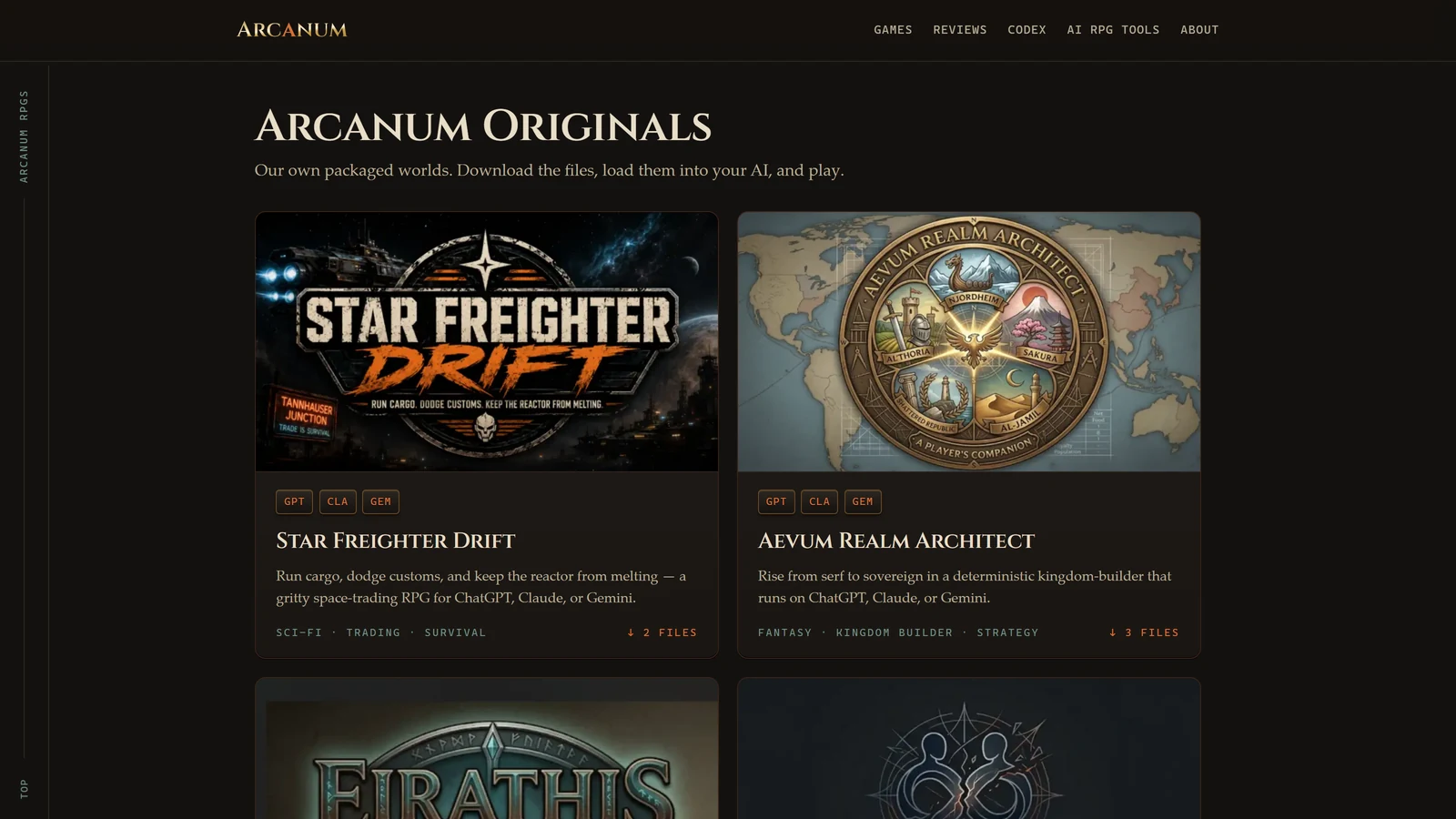
Two of the four Originals — Aevum Realm Architect and Star Freighter Drift — run on ChatGPT, Claude, or Gemini equally well, so pick whichever you already have access to. The other two are built around one model’s strengths, and both also run on ChatGPT:
| Game | Genre | Runs on |
|---|---|---|
| Aevum Realm Architect | Kingdom-builder, strategy | ChatGPT, Claude, Gemini |
| The Chronicler | Relationship-driven, slow-burn | Claude, ChatGPT |
| Eirathis Strider | Mature open-world, Witcher-style | Gemini, ChatGPT |
| Star Freighter Drift | Space-trading survival | ChatGPT, Claude, Gemini |
If you’re choosing a model rather than a game, our guides on ChatGPT, Claude, and Gemini for roleplay cover what each does best before you commit to a setup.
Install on ChatGPT (Custom GPT)
You need ChatGPT Plus to create a Custom GPT — this is what turns a game into a persistent container rather than a one-off chat.
- In the ChatGPT sidebar, click Explore GPTs, then + Create (top right).
- Switch to the Configure tab.
- Name it after the game and add a short description.
- Paste the entire master prompt into the Instructions box.
- Under Knowledge, click Upload files and add the game’s world document.
- Click Create / Save, then open it and play.
The GPT persists after this — every time you reopen it, it starts from the same instructions and knowledge base, with nothing to re-paste.
Install on Claude (Project)
Projects are available on every Claude plan, free accounts included (capped at five). A paid plan adds enhanced project knowledge, which helps once your world file is large.
- In the Claude sidebar, click Projects, then + Create Project.
- Name it after the game and create it.
- Open the project’s custom instructions setting and paste in the entire master prompt.
- In the project’s Knowledge panel, upload the game’s world document.
- Start a new chat inside the project — the instructions and world file now apply to every conversation you begin there.
Install on Gemini (Gem)
Gems are available on a free Google account.
- Open Gemini, find Gems in the side panel, then open the Gem manager and choose New Gem.
- Name it after the game.
- Paste the entire master prompt into the Instructions field.
- Use the add knowledge / upload files option to attach the game’s world document.
- Save the Gem, then select it from your Gems list to start playing.
Gemini’s large context window is a genuine advantage here — it tends to hold onto a big knowledge file’s details longer than the other two models over an extended campaign, which our Gemini RPG guide covers in more depth.
The Four Arcanum Originals
A quick reference for what you’re downloading and where to get it:
- Aevum Realm Architect — rise from serf to monarch in a deterministic, 30,000-word medieval world. Best for players who want strategy-game depth.
- The Chronicler — a relationship-driven campaign where trust is earned, never unlocked. Built for Claude Projects; also runs on ChatGPT.
- Eirathis Strider — a mature, Witcher-style open world with dice-less tactical combat. Built for Gemini Gems; also runs on ChatGPT.
- Star Freighter Drift — a space-trading survival RPG where the profitable move is always the dangerous one.
Each game’s own page has the exact download links and a genre-specific first-move walkthrough beyond what’s covered here.
If the Game Starts Drifting
Every Arcanum Original ships with a built-in correction command — /fix_state or Agency Check, depending on the game — that re-reads its own hidden logs and hands you back a corrected status. Use it any time something feels off, whether that’s a wrong gold count or an NPC who shouldn’t remember something. This is a patch for the moment, not a cure — for the underlying reason every long AI campaign eventually drifts, and the engineering that prevents it, see why AI campaigns fall apart at turn 50. If you want a manual backup for any AI, not just Arcanum’s own games, the free Campaign Memory Tool tracks state and generates a compression prompt you can paste back in.
Frequently Asked Questions
How do I download an Arcanum RPG? Go to the game’s page under Arcanum Originals and download its two files directly — a master prompt text file and a world knowledge file. There’s no account, no email, and no copy-pasting from a webpage; both are real file downloads.
Is Arcanum free? Yes. All four Arcanum Originals are free downloads. You only need whatever ChatGPT, Claude, or Gemini access you already have — Claude Projects and Gemini Gems both work on free accounts, and only ChatGPT’s Custom GPTs require a paid tier. The games themselves cost nothing either way.
Do I need ChatGPT Plus or a paid Claude plan to play? You need ChatGPT Plus to create a Custom GPT, but you do not need a paid Claude plan — Projects are available on every Claude plan, with free accounts capped at five, and Gemini Gems are available on a free Google account. That leaves two free routes to a persistent container and one paid one. If you’d rather skip containers entirely, you can paste the master prompt straight into a regular chat, though the world file won’t stay attached between sessions.
What files do I need to upload for an Arcanum RPG? Every game ships exactly two files: a master prompt (paste it into the Instructions field) and a world document — an Atlas, manual, or engine file (upload it as Knowledge). Both are required; the master prompt references the knowledge file constantly during play.
Can I move an Arcanum RPG from one AI to another? For the two cross-model games — Aevum Realm Architect and Star Freighter Drift — yes, the same two files work on ChatGPT, Claude, or Gemini. The Chronicler is built specifically for Claude Projects and Eirathis Strider specifically for Gemini Gems, so switching those to a different model means losing some of the platform-specific tuning.
What if the game starts forgetting things partway through?
Every Arcanum Original ships with a /fix_state or Agency Check command that re-reads its own hidden logs and corrects drift — type it any time something feels off. For the underlying cause and deeper fixes, see our guide on why long AI campaigns lose the thread.