Character.AI Reading Mode (2026): What It Is and How to Get Out
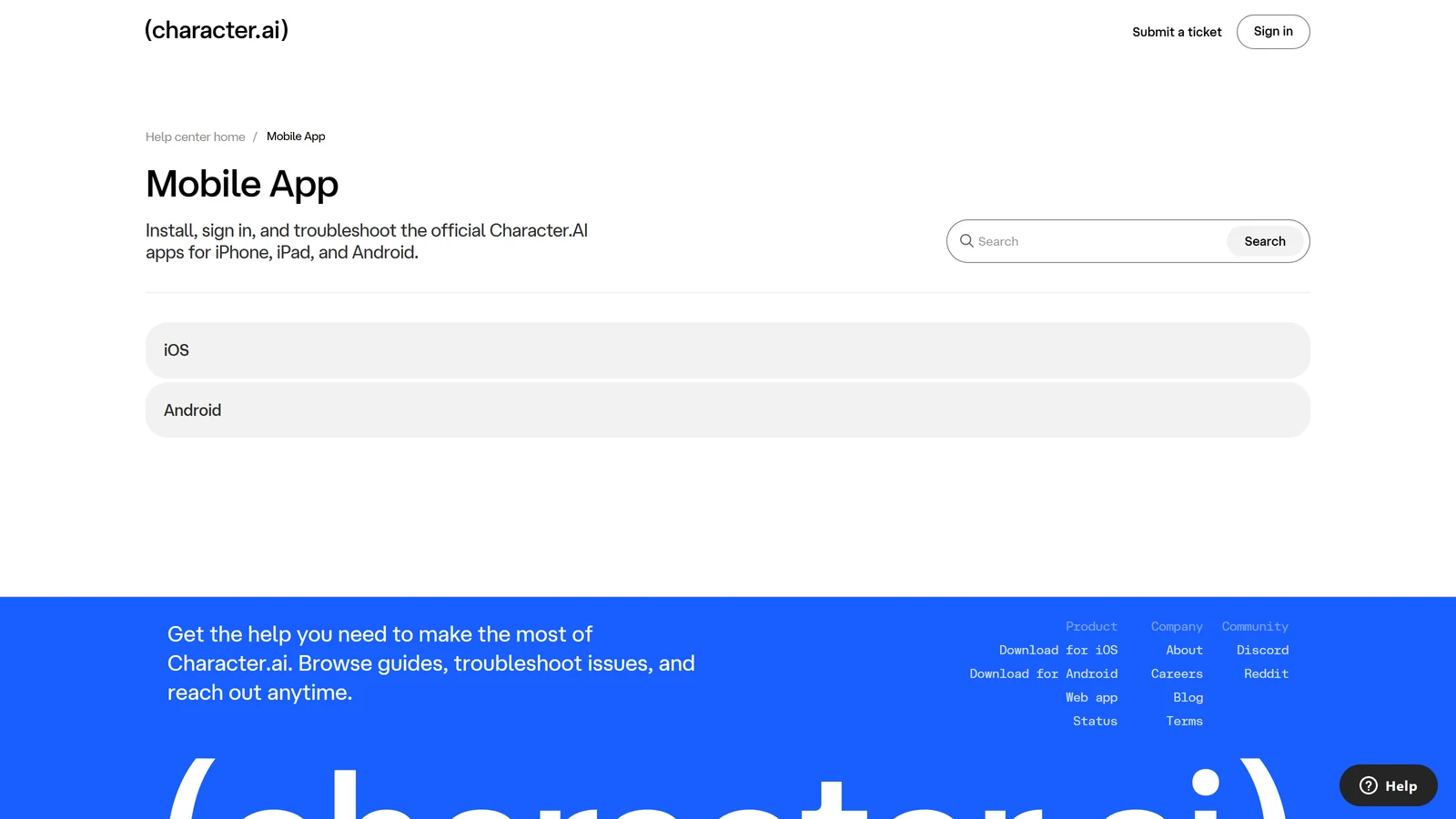
Reading mode is not a glitch and it is not a screen you are stuck on. It is Character.AI’s under-18 experience, and you are inside it because an automated age check put you there. Chat is switched off. Nearly everything else is not.
That distinction is the whole page, because it decides what to do next. If reading mode were a bug, the usual moves would work — reinstall, clear cache, try another browser, wait for a fix. None of them will do anything here, and people spend days on them. There is one documented way out and it has nothing to do with your device.
Everything below is from Character.AI’s own help centre, checked on 18 September 2026.
What Reading Mode Actually Is
Character.AI’s definition is short and unambiguous: reading mode is “the experience for users who are verified as under 18 on Character.AI”, and in it “you can browse characters and view content on the platform, but chat features are not available”. The company frames it as a safety measure, made “to help keep younger users safe as the AI landscape continues to evolve”.
So it is an account state, not an error state. Nothing on your phone or in your browser is contributing to it, and nothing on your phone or in your browser can change it.
What still works inside reading mode, per the help centre:
- All past chats remain saved and viewable
- Creating Characters, scenes and videos
- Imagine Chat and AvatarFX
- Feed activity — sending stickers, reacting, and supporting creators
That list matters for two reasons. It tells you the account is intact rather than restricted or banned, which is the other thing people assume when chat stops. And it explains why so many people do not realise what has happened: the app looks completely normal until the moment you try to send a message.
How You Ended Up There: Age Assurance
Character.AI runs a system it calls age assurance across all accounts, and it runs without asking you anything. The company describes it as looking at “a number of signals, including login info, activity on the platform, and some signals from third parties”, and calls this “a standard way that companies do age assurance”.
If that process reads you as 18 or over, you never see any of this and no verification is requested. In Character.AI’s own phrasing, “you won’t be asked for a selfie — unless we believe you’re under 18 and you want to prove that you’re actually 18+”.
Two consequences follow, and both are commonly misunderstood:
It is not based on the birthday you entered. Character.AI answers this directly — asked whether all users go through verification and whether it is based on the birthday they set, the answer is no, the age assurance technology is used to estimate age “without you having to do anything or give us any more data”.
An estimate will be wrong about some people. That is not a scandal, it is what an estimate is, and it is precisely why a verification route exists. The company’s own instruction for that case is plain: “If our age assurance technology flags you as under 18 but you’re not, we don’t want you to lose access to chat. Please head to Settings to verify your age.”
There is also a rollout dimension worth knowing if you are comparing notes with someone else. Age assurance has been arriving gradually, and Character.AI notes that “not all users will see this at the same time” — so a friend who has seen nothing is not evidence that your account is broken.
The One Way Out
There is a single documented route, and it is age verification.
On the mobile app: make sure you have the latest version of the app, restart it, then go to Settings → Advanced → Verify Age.
On the web: go to character.ai on desktop, then Settings → Advanced → Verify Age.
If you cannot find that option at all, the app version is the usual reason — it does not appear in older builds, which is why “I can’t find Verify Age” and “my app needs updating” turn out to be the same problem remarkably often. Character.AI also says most users are prompted automatically at login, and that a missing prompt may simply mean the pop-up was dismissed earlier.
A few things the help centre rules out explicitly, so you do not waste time on them:
- A subscription does not bypass it. Character.AI+ “does not bypass or override the age assurance process”, and the company states that subscribers who have not completed verification still need to.
- A Google account with an age on file does not bypass it either. Verification runs “directly through our platform via Persona, regardless of what age information is associated with your Google account”.
- There is no alternative method. In Character.AI’s words: “there is no alternative to submitting a selfie or government ID if you are prompted to do so. These are the only accepted methods.”
We are not going to publish workarounds for an age check, and there is no supported one to publish. If the assessment is wrong, verification is the mechanism the company built for exactly that.
What Verification Actually Involves
The process is run by Persona, a third-party identity provider Character.AI notes is “widely used today by companies like LinkedIn, OpenAI, Block, and Etsy”.
The normal path is a selfie, assessed in seconds. Character.AI is emphatic that this is where it ends for most people: “No one will have to give C.AI an ID, and most users won’t need to give Persona an ID either.” An ID is requested “only as a final step — and only if you take a selfie and Persona isn’t sure you’re 18+”.
If you do reach that step, the accepted documents are a driver’s licence, certificate of citizenship, consular ID, identification card, passport, passport card, permanent residence card, or immigration visa. It must be a photograph of a physical document — a digital or on-screen copy is not accepted. And if you have no government ID at all, the company is honest about the outcome: “the verification process cannot be completed and the account cannot move forward”.
Why Selfie Checks Fail
Character.AI publishes its own troubleshooting list, and it is worth reading before the second attempt rather than after the fifth. The single most consequential rule is first: your selfie must show your real, natural appearance. If the system detects “drawn-on facial features, filters, makeup effects, or other changes that make you appear older or different than you are, your verification may be declined”. Disabling filters is also advised so the image “avoids looking like a deepfake” — which is to say, the beauty filter your camera applies by default can fail you.
The rest is photography:
| Problem | What to do |
|---|---|
| Glare and lighting | Keep lights on and shining directly on your face; avoid bright light behind or below you |
| Positioning | Camera at eye level, pointed directly at your face, looking straight into the lens |
| Multiple faces | Be the only person in frame — verification can fail if more than one face is detected |
| Blur and movement | Move slowly and steadily; do not shake your head or move quickly |
| Face coverings | Remove masks, sunglasses and anything else covering your face |
Two practical notes that solve a lot of failures on their own. Use your best camera — the guidance is to use your most up-to-date device, and if you have a phone with a better camera than your laptop, use the phone. And you can switch devices mid-process: stay logged in and use the QR code shown during verification to move the check to another device.
If it still will not complete and you can no longer attempt it, that is the point at which support is the right move; Character.AI routes these through a dedicated ticket form in its age assurance articles.
What Happens to the Data
This is the part people most want answered and most often get answered by rumour, so here is the company’s stated position, quoted rather than paraphrased.
- Age assurance itself “doesn’t require you to submit any extra personal data” — it runs on signals already present.
- For the small number of users who reach the ID step, it “is collected by Persona, not C.AI”, and Character.AI says it “wouldn’t collect or have access to that ID”.
- Persona keeps IDs it collects for one week.
- Any biometric information is deleted within seven days.
- Persona processes the information “to verify your age, identify fraud, and for quality assurance”.
Character.AI also commits, in the same FAQ, that if it ever needs to make “key changes in how we collect or access your data”, it “would always tell you and get your consent first” — while flagging one possible future exception around virtual currency and fraud resolution.
Whether that is a trade you want to make is your call, and it is a real call rather than a formality: an identity check is a meaningful thing to hand a third party in exchange for a chat product. What we can tell you is what is being asked for and by whom, which is more than most coverage of this does. If you would rather not, the honest answer is that you cannot use the adult experience on this platform, and the section below is the one to read.
If You Are Under 18, or Would Rather Not Verify
Reading mode is the product for you on Character.AI, and it does not become a chat product by any route we would publish. When you turn 18 the company says you will “be able to migrate to the 18+ experience”, possibly with a verification selfie if it is not sure.
If what you actually want is somewhere to play, the useful move is sideways rather than around. The best free AI roleplay covers platforms with genuinely free tiers, and the Character.AI alternatives list is organised by what you would be going there for — memory, fewer restrictions, a real game underneath — rather than by rank. Age policies differ across those platforms and several have their own checks; read each one’s terms rather than assuming.
Is Reading Mode Going Away?
Not as far as anything Character.AI has published. There is no announced removal, no timeline, and no “coming out of reading mode” feature. The only forward-looking statement in the relevant FAQ is about the mechanism rather than the outcome: “Technology is always changing, so it’s possible we’ll do this differently in the future.”
Treat the question the way you would treat any other age policy at a company under regulatory pressure — the direction of travel across this industry has been towards more checking, not less. Character.AI’s own April 2026 update listed rolling out “age restrictions to more regions” among the changes it knew players found frustrating, and it has not reversed any of them since.
Reading mode is what that looks like from inside an account. It is not a fault, it will not resolve itself, and the only lever is the one in Settings.
Frequently Asked Questions
What is reading mode on Character.AI? Reading mode is the experience Character.AI gives to users it has assessed as under 18. In Character.AI’s own words it is the experience for users who are verified as under 18, and in it chat features are not available. Everything else largely remains: past chats stay saved and viewable, you can still create Characters, scenes and videos, Imagine Chat and AvatarFX still work, and feed activity such as stickers, reactions and supporting creators continues. It is an account state rather than a fault, which is why refreshing, reinstalling, clearing cache or switching device does nothing to it.
How do I get out of reading mode on Character.AI? There is exactly one documented route, and it is to complete age verification. Go to Settings, then Advanced, then Verify Age, on the web or in the mobile app. Verification is handled by a third-party provider called Persona and for most people it needs only a selfie rather than an identity document. If you cannot see the Verify Age option, update the app to the latest version and restart it, since the option does not appear in older builds. There is no setting that turns reading mode off directly and no supported way around the check.
Is Character.AI reading mode permanent? The state is not permanent, but there is no waiting it out. It persists until an age check moves you out of it, so it will last indefinitely if you never complete verification. If the assessment was wrong and you are over 18, verification is the fix. If you are genuinely under 18, the company’s position is that you move to the adult experience when you turn 18, and you may be asked for a verification selfie at that point if it is not sure. Character.AI has said the technology may change in future, but it has announced no plan to remove reading mode.
Why am I in reading mode when I am over 18? Because age assurance is an estimate, not a record of your birthday. Character.AI runs it on all accounts using what it describes as a number of signals, including login info, activity on the platform, and some signals from third parties, and it does not ask you first. An estimate built from signals will misplace some adults, which is why a verification route exists at all. The company’s own guidance is direct about this case: if the technology flags you as under 18 but you are not, go to Settings and verify your age.
Do I have to send Character.AI my ID to verify my age? No, and for most people no ID is involved at any point. Character.AI states that no one has to give Character.AI an ID and that most users will not need to give Persona one either. The normal path is a selfie, which Persona assesses in seconds. An ID is only requested as a final step, and only when the selfie leaves Persona unsure you are 18 or over. In that case the document goes to Persona rather than to Character.AI, which says it would not collect or have access to it, and Persona keeps collected IDs for one week. Any biometric information is deleted within seven days.
Why does my age verification selfie keep failing? Character.AI publishes a list of causes and they are mostly photographic. Your selfie must show your real, natural appearance, so filters, drawn-on features and makeup effects that change how old you look can get a check declined. Light should fall directly on your face rather than come from behind or below, the camera should sit at eye level pointing straight at you, and you should be the only face in frame. Keep still, since blur and fast movement break it, and remove masks, sunglasses and anything else covering your face. Use the most up-to-date device with the best camera you have; you can switch devices mid-process using the QR code shown during verification.
Checked against Character.AI’s help centre on 18 September 2026. Character.AI is a trademark of Character Technologies, Inc.; Arcanum is an independent publication with no affiliation to it, and references here are nominative. Age assurance policies change frequently and vary by region; Character.AI’s own help centre is the authority on what applies to your account.